




Self-service terminals: ICT requirements for transport and consumer banking
The European Accessibility Act includes requirements for public self-service terminals. It defines these as:
- payment terminals;
- automated teller machines;
- ticketing machines issuing physical tickets granting access to services such as travel ticket dispensers;
- bank office queuing ticket machines;
- check-in machines; and
- interactive self-service terminals providing information, including interactive information screens.
Self-service terminals must meet requirements for their features, along with additional requirements that address their public use nature. EN 301 549 provides technical guidance for these requirements. The standard is organised around technology features, and requirements for self-service terminals cross many parts of it. This explainer highlights key considerations and parts of the standard for designers of self-service terminals.
The European Accessibility Act includes requirements for self-service terminals that are not expressly part of EN 301 549, most likely because they are requirements to provide a feature, with only the how covered in the standard. This explainer mainly addresses EN 301 549, but related requirements in the EAA are noted as well.
Who is responsible
Many types of organisations use self-service terminals covered by the act. For example:
- Urban and suburban transport services and regional transport services are explicitly required to provide conforming ticketing, check-in, and self-service machines, except on vehicles themselves where it may be impractical and different regulations apply.
- Banks must provide conforming automated payment terminals and office queuing machines. This requirement also applies to ATM machines in other locations.
- Retail outlets must provide conforming payment terminals.
- Information screens in public spaces like malls and event venues must conform..
- Event venues must provide conforming ticketing and check-in machines.
The EAA does not require that all self-service terminals at a location meet the requirements, if that would constitute disproportionate burden . It does require, however, that there be a sufficient number of conforming terminals available.
The EAA also exempts existing hardware that was in service before the EAA went into effect, for up to a 20-year lifetime. Essentially this acknowledges that it would be a disproportionate burden to replace all the hardware at once. While specific terminals might be exempted, organisations still have an obligation to provide conforming terminals as well, to the extent that it is not a disproportionate burden to do so. New hardware must conform, and should be distributed so as to ensure conforming terminals are available alongside older non-conforming terminals – not concentrated into locations with new machines while other locations have only non-conforming machines. As older machines are replaced over time, the proportion of conforming terminals at all locations should increase.

What parts of the standard apply
The concept of self-service terminals covers a wide range of ICT. Fundamentally, self-service terminals are:
- Hardware devices;
- Installed in a physical location;
- Providing a software or web interface,
- Often with features defined as “closed functionality”.
Hardware requirements are covered in two sections of EN 301 549. Section 5 “Generic requirements” includes many requirements for hardware, including activation of accessibility features, biometrics, preservation of accessibility information, physical characteristics and feedback of hardware controls, and keyboard behaviour. Section 8 “Hardware requirements” addresses standard connections, use of colour, speech output requirements, and characteristics of physical controls tickets.
Many self-service terminals are assembled, at least in part, from “off-the-shelf” components provided by external vendors. Those products should conform to EN 301 549 if they are available in the European market, and therefore should meet these requirements. Vendors assembling self-service terminals are responsible for ensuring this is the case, at least by collecting documentation to contribute to their own conformance claim. Terminals may also include purpose-built components or ones without documented conformance. In this case the vendor must design and test for these requirements.
Section 8.3 “Stationary ICT” addresses the physical location of terminals, which impacts installation as well as hardware design. Measurements define floor space around the terminal to allow wheelchair users to approach the terminal, and reach and height requirements for the operable parts of the terminal.
Self-service terminals provide a user interface, either in the form of pre-installed software, or sometimes as a web interface. Section 11 “Software” and Section 9 “Web” address these components. The generic requirements in section 5 also address software handling of key repeat, double-strike key acceptance, and simultaneous user actions. Any non-web electronic documents must meet Section 10 Documents .
Frequently, self-service terminals do not provide assistive technology that the user can use, nor allow the user to connect external assistive technology (except audio devices). Section 5.1 “Closed functionality” addresses accessibility features that cannot be supported with assistive technology. “ Closed functionality ” requires explicit support in the interface for non-visual interaction, text enlargement, visual output of auditory information, and access without speech.

Implementation guidance
Like any form of ICT, self-service terminals must meet requirements in the standard that apply to features they provide. This explainer focuses only on particular considerations for self-service terminals:
- Audio and speech output - all terminals must support audio and speech output;
- Keys, tickets, receipts - requirements for physical documents used with the terminals;
- Physical controls - characteristics of the physical user interface;
- AT compatibility - support for external ICT;
- Stationary ICT - requirements for space around the terminal;
- Visual - text size and flexible brightness / contrast.
Audio and speech output
The EAA requires self-service terminals to support the use of personal audio headsets for private listening, which EN 301 549 requires to be via standard wired or wireless connections . The EAA also requires that audio output be compatible with personal hearing technologies , by allowing direct connection or by broadcasting short-range wireless audio using established assistive listening device protocols. ETSI TR 102 791 is a resource for these requirements, and the EAA also requires enhanced audio features to address interfering audio signals from surrounding products and audio clarity. If speech output is provided by a device held to the ear (like a telephone handset), it must support magnetic coupling to hearing devices as specified in ETSI ES 200 381-1 .
Along with audio support comes requirements for user control. The standard addresses volume ranges and adjustment, which should control both device audio and audio delivered to private listening devices. The EAA also requires that audio speed can be customized. Regular text-to-speech users can understand audio at a few times the default speed.
The EAA also requires self-service terminals to provide text-to-speech functionality. Speech output must be correlated with the information displayed on screen, in the same language, sufficiently describe important non-text information, and must be able to be interrupted by the user (excepting critical information). Speech output must also describe any input errors to the user. Further, there must be a tactical indication of the means to turn on speech , such as with Braille instructions.
When using text-to-speech, it is important to remember user privacy. Any personal information that is masked in the visual display must also be masked in the speech output. During input into masked fields, key echo, in which the speech confirms which key the user has pressed, must only be used if the audio output is guaranteed to be private to the user.
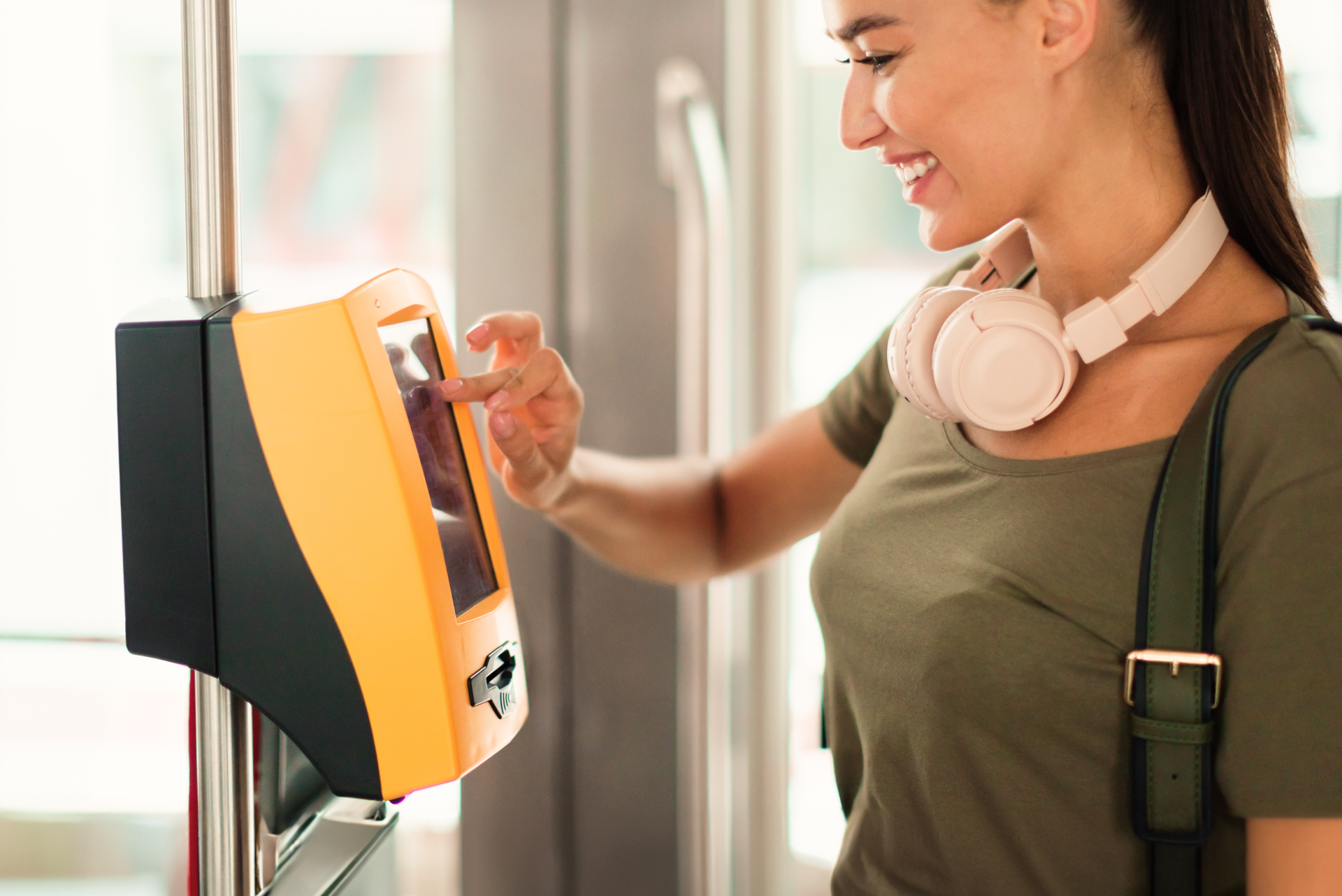
Keys, tickets, receipts
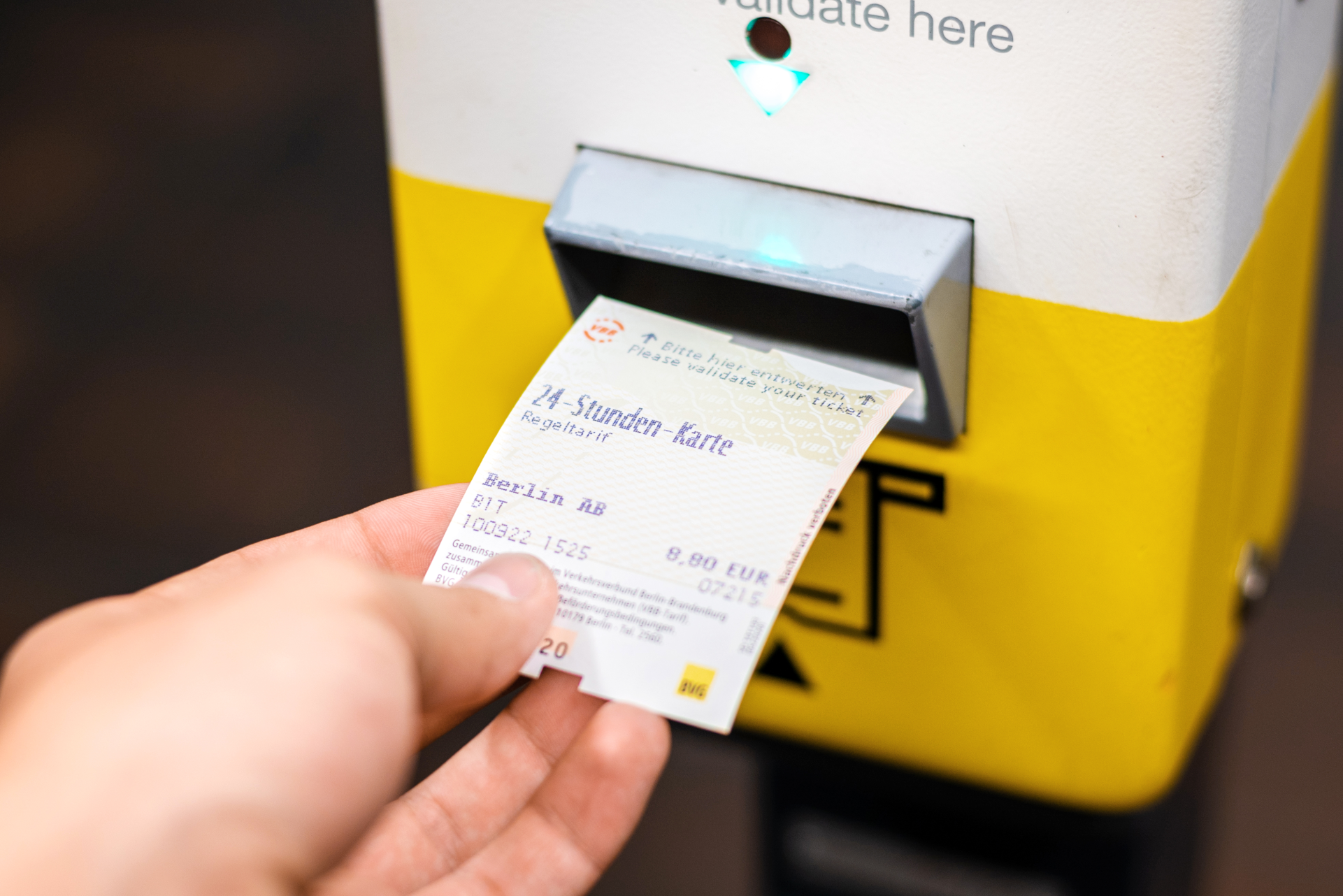
Some self-service terminals require users to use a physical key or ticket to authenticate their access to a transport service or public venue. Users must be able to determine, by touch alone, the proper orientation to present the ticket. This is mainly a consideration for machines in which the ticket is inserted into the machine and must be done so in a particular way. This consideration can be avoided by accepting tickets in any orientation, or by using wireless readers.
Some self-service terminals also produce printed output, such as tickets for use with another machine or receipts of the transaction. Any information necessary for the user to complete or verify the transaction must be presented in audible form as well, at some point in the interaction with the terminal.
Physical controls
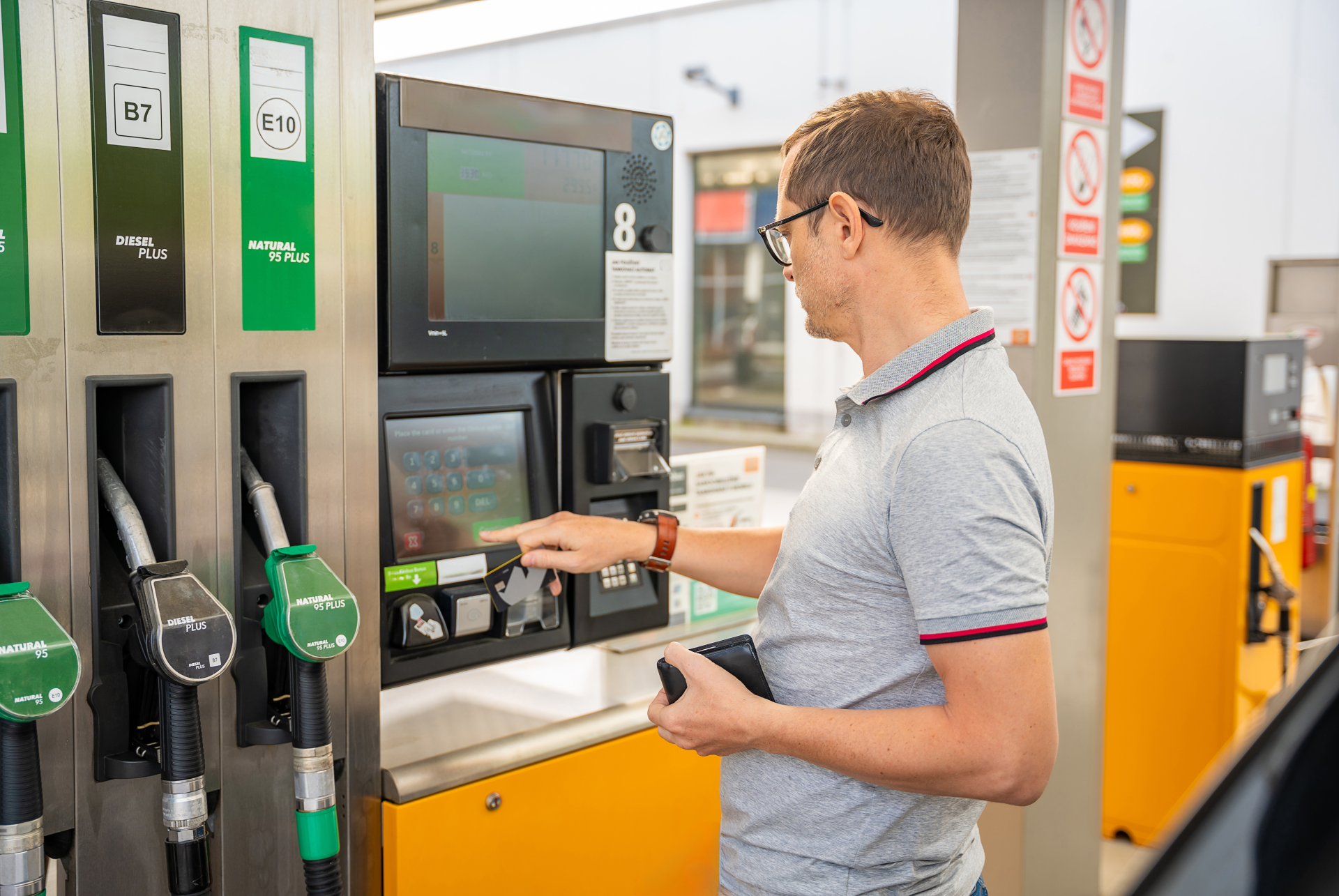
Many types of physical controls might be provided, including keyboards, buttons, toggles, touchscreens, etc. The standard does not require or forbid any particular type of control, though it provides parameters for them. It does require that if a keyboard or keyboard interface is not provided, the terminal must be operable without vision . Many of the specific requirements for that correspond to the audio and speech output requirements covered above.
Because some users may have reduced hand strength or movement , the standard requires that controls require no more than 22.2 Newtons (N) to operate, with a recommended range of 2.5 to 5 N. 5 N is roughly the force needed to hold up a 500-gram object. In addition to actuation force, the standard requires that controls not require grasping, pinching, or twisting of the wrist to operate. If there are physical controls that exceed these limits, the terminal must provide alternate accessible controls for their functionality.
Users must be able to determine the function of each physical control, without vision and without having to activate the control. The standard suggests that this can be done by making controls tactilely discernible . Overall control size, shape, texture can contribute to this, as well as tactile diagrams or Braille information on control surfaces. Colour may be used along with these characteristics, but not as the sole means to discern controls.
For numeric keys , the standard requires that the number 5 key be tactilely distinct, and recommends that numeric key layouts conform to ITU-T E.161 . Predictable layouts for other types of controls may also support non-visual discernibility.
AT Compatibility
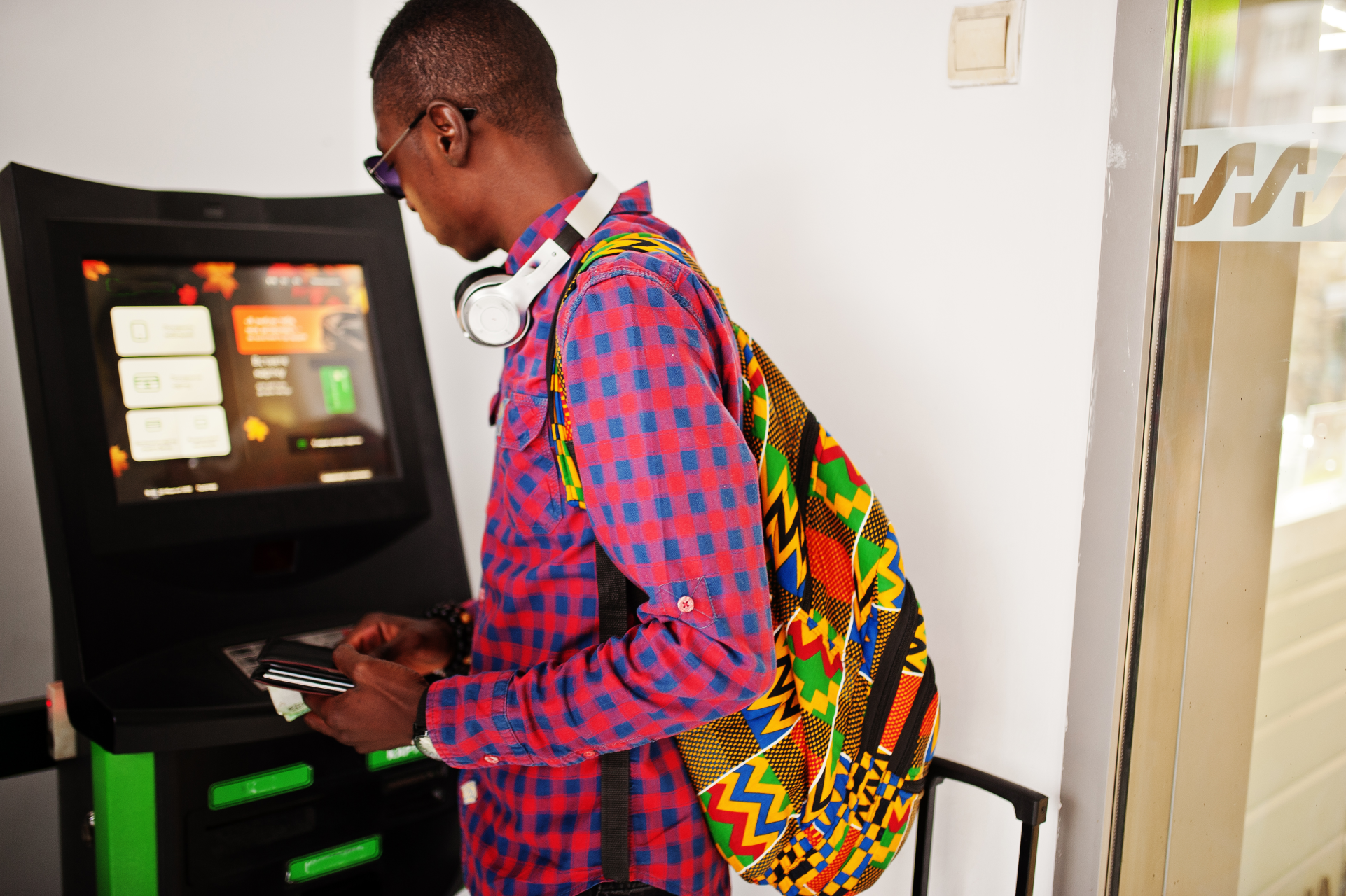
As noted above, self-service terminals are required to support audio assistive technology, although the standard also says personal headsets and personal induction loops are not classed as AT. Beyond this,they are not required to support external assistive technology. They are also unlikely to, as there is not yet a universal way for assistive technology to work with all devices in a secure manner, so implementation of generalized assistive technology support is impractical.
While it is impractical for external AT to provide all the personalization of content required by the standard, some types of AT are practical and desirable. In particular, terminals may support custom input devices over standard connections, like keyboards or keyboard emulators, and we recommend this when practical.
Stationary ICT
Except for payment terminals, most self-service terminals are installed in a fixed location. These are referred to as “stationary ICT”, and the standard provides requirements to enable a person to physically approach and use a terminal. These are in section 8 as part of the hardware requirements, but they also impact installation . Components of the terminal built by the manufacturer must meet the requirement, and installation instructions must provide specifications for third-party components such as desks to ensure the total installation meets the requirements.
Most of the physical space requirements address reach, which are oriented around a user in a wheelchair. The design accounts for use from a seated position, and addresses height and depth of operable controls and the display. There are two user orientations that terminals can require:
- Forward reach , in which they face the terminal and reach forward to operate it, and
- Side reach , when they face to the side and reach sideways to operate it.
Forward reach includes space for knee and toe clearance so users can fully approach the terminal. If there is a component that projects into the user’s space, such as a writing surface above leg height, the standard uses more stringent ranges for reach of other controls. Side reach does not need to account for knee and toe clearance, and has different ranges for the usable space. Terminals support either forward reach, or side reach, not both. We recommend designing for forward reach whenever possible as this is generally easier for users.
Space around the terminal also impacts a person’s ability to use it. There must be clear floor space around the terminal, with dimensions provided for different situations. That floor space must have minimal slope or level changes, as these make it difficult for wheelchairs to navigate and remain stable.
Installation instructions for stationary ICT must specify how to ensure the reach and space requirements are met in a particular space. These instructions should also take into account relevant built environment accessibility requirements.

Visual
Most requirements for visual aspects of self-service terminals relate to the display screen. Terminals render to the screen using either a web interface or software, which themselves must conform to sections 9 and 11 respectively.
Text enlargement needs particular attention, because the requirement differs for open vs closed functionality. On most self-service terminals, users cannot enlarge text using external assistive technology, and so must meet Section 5.1.4 Functionality closed to text enlargement , which sets a higher bar than the corresponding web and software requirements.
In addition, the European Accessibility Act requires visual output to have flexible brightness and contrast . This is particularly important for self-service terminals that may be used in challenging lighting situations.
Document author: Michael Cooper on behalf of
The Digital Accessibility Centre Limited